

Yes, South African employers register for COIDA online through the Department of Employment and Labour’s ROE Online / CFonline portal. You create a user profile, complete Employer Registration, and upload your supporting documents to receive your CF registration number. From there, three moves matter most: register your organization on the portal, submit your business details and documents in one sitting, and confirm your registration number before your first Return of Earnings is due.
TL;DR:
- Accurate matching of payment references and CF registration numbers is crucial, as discrepancies can delay processing by several weeks.
- Employers must upload exact copies of their CIPC registration documents and IDs, ensuring no character mismatches for smooth automated processing.
- Registration usually takes one to two business days, but manual submissions can extend delays to two or three weeks if online failure occurs.
- Outsourcing COIDA registration to a specialist services provider can speed up the process and prevent common errors, especially for multi-branch or urgent cases.
- The total cost to obtain a Letter of Good Standing is limited to your assessed payroll and industry risk charges, with no separate registration or letter fee.
Table of Contents
- How Do You Complete Coida Registration Online?
- What Documents Do You Need, and What Trips Up Employers?
- How Long Does Registration Take, and What Does the Letter of Good Standing Cost?
- What If the Portal Is Down or Your Application Gets Rejected?
- What Practitioners Learn After Handling Dozens of Registrations
- Our Take: Why Employers Overcomplicate COIDA Registration
- Let a Local Partner Handle Your COIDA Registration
- Official Links and Forms to Bookmark
- Sources
- FAQ
How Do You Complete Coida Registration Online?
Registering with the Compensation Fund is mandatory for any employer with at least one worker on payroll, and the process runs entirely through ROE Online, the Department of Employment and Labour’s Compensation Fund portal. Companies, close corporations, partnerships, sole traders, and even working directors who draw a salary all fall under this registration obligation.
Follow these steps in order:
- Create a user profile. Go to the ROE Online/CFonline site and register as an online user before you touch any organization details.
- Select “Register Organization.” This is the gateway to Employer Registration. You’ll need your CIPC registration number (or CK1/CK2 for older close corporations, CM1 and CM29 for companies), plus the RSA ID or passport number of the owner, director, or sole proprietor completing the application.
- Open “Employer Registration” and enter your business particulars. This includes the date you employed your first worker, your physical business address, and your industry classification (the SIC code the Fund uses to set your assessment rate).
- Attach your supporting documents. Depending on your entity type, you’ll sign and upload the W.As.2 form alongside your CIPC documentation and ID copies.
- Submit and capture your CF registration number. Once processed, this 12-digit number appears on your confirmation notice and becomes your reference for every future ROE, payment, and Letter of Good Standing request.
Once you’re registered, the immediate follow-ups are just as important as the application itself:
- Submit your Return of Earnings (ROE) as soon as the annual cycle opens.
- Wait for your Notice of Assessment, which sets your payable amount for the period.
- Pay using the exact reference number printed on that notice. Get this wrong, and your payment won’t match your account.
You can also register online for a Compensation Fund account through the Gov, which points to the same underlying system and lists contact details if you get stuck.
What Documents Do You Need, and What Trips Up Employers?
Have these ready before you start, not halfway through the form:
- CIPC registration documents (CK1/CK2 for close corporations, or CM1 plus CM29 for companies).
- A signed W.As.2 form where the portal requires it.
- Certified ID or passport copies for every owner, director, or sole proprietor listed on the application.
- Proof of business address (a recent utility bill or lease agreement works).
- UIF registration documents, if you’re already registered with the UIF Commissioner.
Branch registrations add a wrinkle. You can register branches together or separately, but if they operate under materially different names, addresses, or industry classes, prepare separate W.As.2 data sets for each. Mixing them into one submission is a common cause of validation errors. That same guidance sets a firm deadline too: you must register within seven days of employing your first worker.
Pro Tip: Double-check that your CIPC company name and number match exactly across every document you upload. A single character mismatch, an expired ID copy, or an unsupported file format is enough to stall automated processing for days.
How Long Does Registration Take, and What Does the Letter of Good Standing Cost?
Once you submit Employer Registration, the portal typically issues your CF registration number quickly, often within the same session or the following business day. The next milestone is your Confirmation of Employer Registration Details, which feeds directly into your Notice of Assessment. That notice tells you what you owe and by when.
Practitioner guides report online turnarounds of roughly three to ten working days for a Letter of Good Standing once payment clears, compared with two to three weeks or longer for manual submissions.
The reference number is the whole game. Payment reference mismatches are one of the most common reasons employers wait far longer than expected. If your reference doesn’t match your CF account exactly, the automated system can’t reconcile the payment, and your Letter of Good Standing simply won’t issue until someone manually corrects it.
Fee structures vary by industry classification and payroll size, since your assessment rate depends on your SIC code and declared earnings. Your Letter of Good Standing, once issued, is generally valid for a defined period before you need to renew it, which matters if you’re bidding on tenders with strict compliance deadlines. Our guide to the Letter of Good Standing covers renewal timing in more detail.
What If the Portal Is Down or Your Application Gets Rejected?
Online submission fails sometimes, whether from portal downtime or a rejected application that needs human review. Here’s the fallback sequence:
- Download the paper W.As.2 form directly from the Department of Employment and Labour’s site.
- Complete it with the same CIPC, ID, and business details you’d enter online, then gather your document packet.
- Email your submission to Gov or deliver it to your nearest labour centre in person.
While you wait, protect yourself with a paper trail:
- Screenshot every step of your attempted online submission, including error messages.
- Save your submission receipt or confirmation email if the portal generated one before failing.
- Keep proof of payment (bank reference, EFT confirmation) ready to speed up manual reconciliation.
Manual processing generally runs slower than the online route, so if a deadline is close, escalate by phone through the CF call centre rather than waiting on email alone.
What Practitioners Learn After Handling Dozens of Registrations
Most employers get one shot at getting their COIDA registration right the first time, and small mistakes compound. At Expand to South Africa, our licensed local partner handles COIDA registration, ROE cycles, payroll statutory filings, and data handling under POPIA and GDPR for every employee we place, which means we see the same failure points repeat across different employers.
The pattern is consistent: reference numbers get retyped instead of copied, CIPC records drift out of sync with what’s on the portal, and digital receipts get deleted before they’re needed. Pro Tip: Copy your CF registration number and payment reference directly from the source document, character by character, rather than retyping from memory. It sounds trivial until a single transposed digit costs you three weeks.
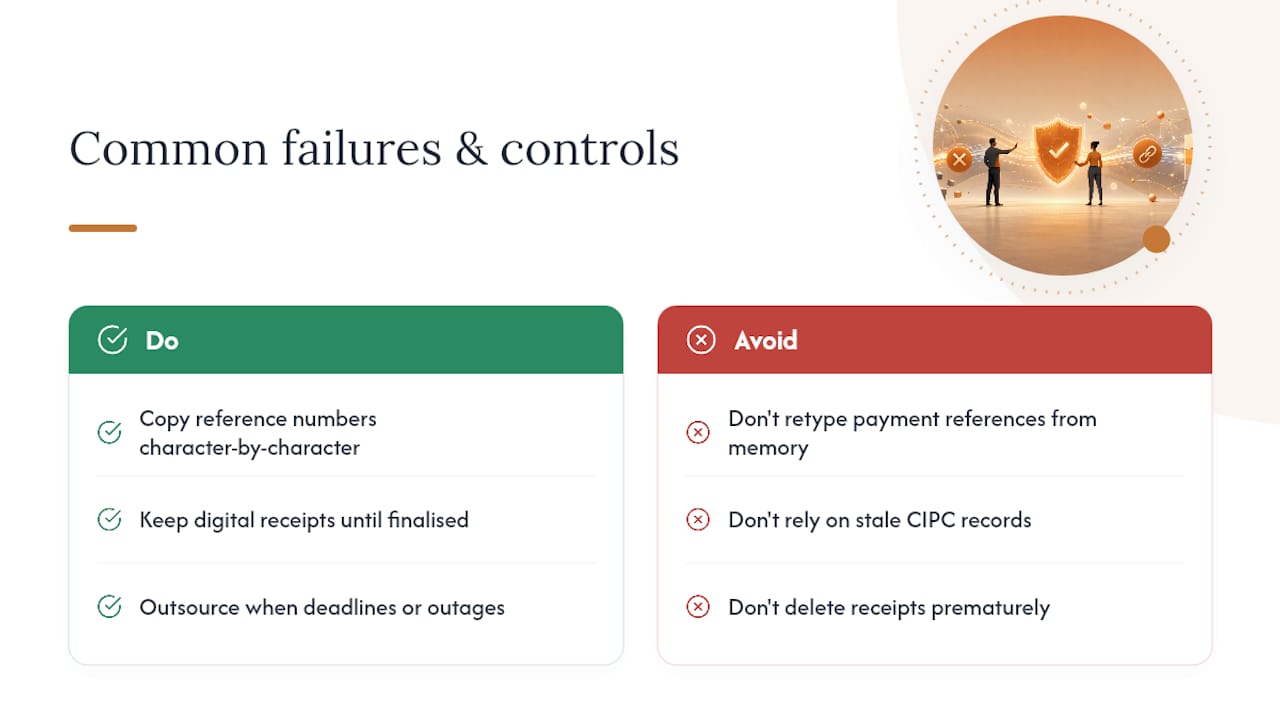
If you’re managing a tight procurement deadline, a multi-branch setup, or you’ve hit the portal during an outage more than once, outsourcing the registration to a specialist with experience in FIFO recruitment marketing for mining and civil sectors stops being a convenience and starts being the faster path to a valid Letter of Good Standing.
Our Take: Why Employers Overcomplicate COIDA Registration
The conventional advice treats COIDA registration like a form-filling exercise: fill in the fields, upload the documents, wait for the number. That framing misses where employers actually lose time, which is almost never the application itself. It’s the reconciliation afterward, when a payment reference doesn’t match or a branch’s documents conflict with the main entity’s CIPC record.
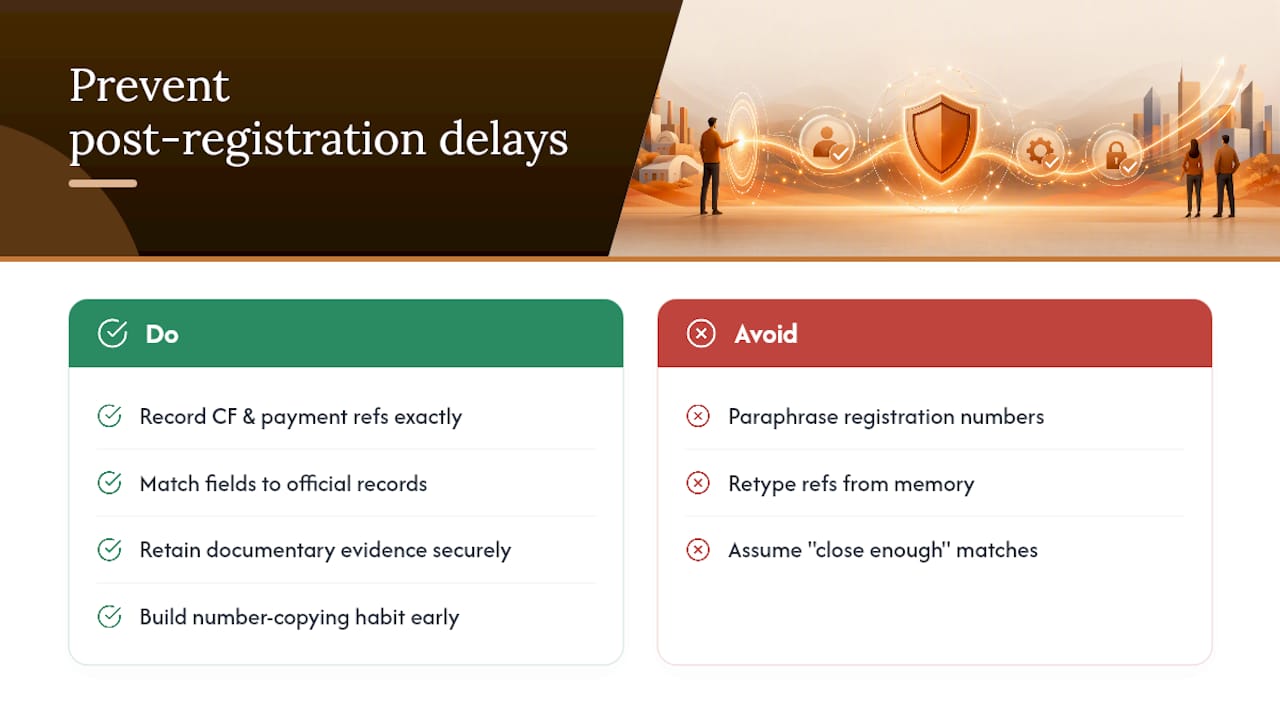
The research bears this out. Official guidance and practitioner accounts point to the same two friction points repeatedly: document mismatches and payment-reference errors. Neither is a portal problem. Both are preventable with basic discipline around exact-field matching and evidence retention.
If there’s one priority worth acting on before anything else, it’s this: treat your CF registration number and payment reference as fixed, unchangeable strings the moment you receive them. Don’t paraphrase them, don’t retype them from memory, and don’t assume “close enough” clears automated matching. Employers who build that habit early rarely end up chasing a delayed Letter of Good Standing during tender season. Those who don’t usually learn the hard way.
— Roel
Let a Local Partner Handle Your COIDA Registration
Some employers use local partners when they need a South African employee covered under COIDA without opening a local entity or learning the ROE Online portal firsthand.

Our licensed local partner registers each employee for COIDA, files the Return of Earnings, and manages ongoing payroll statutory payments including PAYE, UIF, and SDL, so the registration number and payment reference details never fall on your desk. Companies choose this route when they don’t have a South African entity, when procurement deadlines are tight, or when they’d simply rather not manage a foreign compliance portal directly. Employer of Record services in South Africa run from £299 per month per employee, with fast onboarding, POPIA and GDPR compliant data handling, and EU data residency built in. If a Letter of Good Standing needs to exist before you can even sign a contract, check current pricing and onboarding timelines and get your first employee compliant without the paperwork detour.
Official Links and Forms to Bookmark
- ROE Online / CFonline, the Department of Employment and Labour’s official registration portal.
- Register with the Compensation Fund on gov.za, including CF call centre contacts.
- W.As.2 manual form: available through your local labour centre or by emailing [email protected].
Sources
- Gov
- Register Organization — CFonline (ROE Online)
- How to register with the Compensation Fund (W.As.2 guidance) — SMELA labour support (PDF)
- COIDA Letter of Good Standing: Your Complete Guide for South African Businesses — VCA Consulting
FAQ
How Much Is the COIDA Registration Fee in South Africa?
Registering with the Compensation Fund itself carries no separate application fee. What you pay is your annual assessment, calculated from your declared payroll and industry risk classification once your Notice of Assessment is issued.
Can You Register for a Letter of Good Standing Online in South Africa?
Yes, once your Compensation Fund assessment is paid and reconciled, you can request your Letter of Good Standing through the same ROE Online portal used for registration. Practitioner guides report online turnaround of roughly three to ten working days, compared with two to three weeks or more for manual submissions.
How Much Does It Cost to Get a Letter of Good Standing?
There’s no separate fee for the letter itself. It’s issued once your annual assessment is paid in full and your payment reference matches your account, so the real cost is whatever your assessment already totals for that period.
What Is the Confirmation of Employer Registration Details Form, and When Is It Required?
This form updates the Compensation Fund on your current business particulars during the annual Return of Earnings cycle. It directly feeds into how your Notice of Assessment is calculated, so submitting it accurately and on time keeps your assessment, and your eventual Letter of Good Standing, on schedule.